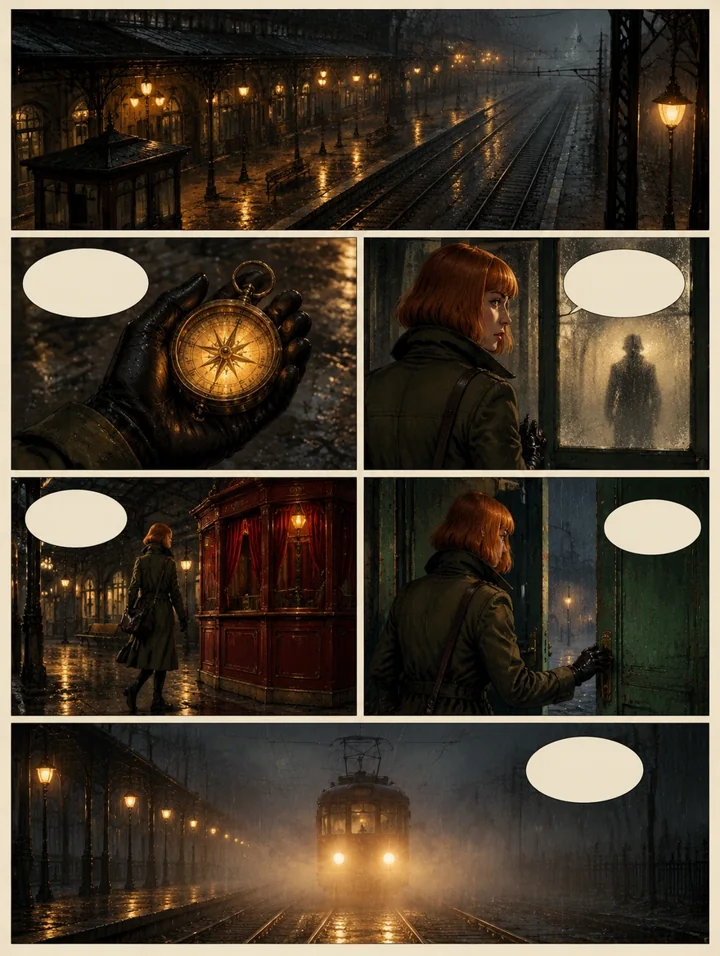
From a first prompt to a downloaded image
- Describe one scene. Choose a subject, setting, framing and light. Start without reference photos when you are checking text-to-image.
- Begin at 1K. Review the composition, lettering and small objects before increasing resolution. FLUX 3 supports 1K, 2K and 4K in this editor.
- Generate once and follow the task. Keep the accepted request while it runs. After a reload, use recovery or history to check it before starting another.
- Review and download. Save completed files within 24 hours. Task history remains for seven days; keep your own copy of important work.
Every new generation uses a task or the displayed paid-credit quote. Three free tasks per UTC day are shared across the tools, with a shared service spending limit, safety checks and provider availability. Signing in connects your work and purchases to an account; it does not add another free allowance.
Edit a photo or combine references
Select image editing in the editor above and upload images you have permission to use. Name the change and the details to preserve. For several references, identify them by upload order: image 1 supplies the subject, image 2 the setting, and image 3 the palette, for example.
FLUX 3 accepts up to ten reference images, with a combined 15 MB limit and at most 16.8 megapixels per image. Choose the output aspect ratio in the editor. The interface exposes text instructions and references; bounding-box editing from the publisher's other workflows is not currently a studio control.
Use the prompting guide's creation and editing examples when you want a concrete starting point. Compare preserved details as carefully as the object you asked to change.

Choose a model for the task
The original editor retains its image model picker, reference controls, task recovery, history and downloads. FLUX 3 Image Klein uses the official BFL API. Additional image models use APIMODELS and show their supported settings when selected.
Video and audio have separate workspaces: video creation, speech and music, and image tools. Model availability can change; a catalog listing does not mean every model has passed a paid live test.
Know where your prompt and media go
FLUX 3 references go directly to BFL in the generation request. APIMODELS also processes safety checks and handles other models. Source-based tasks on those models can create public provider links retained for up to 30 days. Do not upload confidential files. Local sources expire after processing or within one hour; provider retention can differ.
Read the Privacy Policy before uploading and the license guide before commercial work. Flux3Klein is independent of Black Forest Labs; FLUX is a BFL trademark.
Frequently asked questions
Which model powers this generator?
FLUX 3 Image Klein is the default image model on this site and uses Black Forest Labs’ official API. Other models remain available in the original editor’s model picker and have their own input and output settings.
Can I generate without paying or signing in?
Yes. The studio offers up to three free tasks per browser per UTC day across tools. A shared service spending limit, safety checks and provider availability also apply. Signing in does not create an extra free allowance.
How do I edit a photo or combine references?
Choose image editing, upload images you have permission to use, and describe each reference’s role in upload order. The FLUX 3 model accepts up to ten references with a combined 15 MB limit and at most 16.8 megapixels per image.
Can I download results later?
Download completed files within 24 hours. Task history remains for seven days. The studio can recover an accepted pending task after a reload; check its status before starting another generation.
Are you the official BFL website?
No. Flux3Klein is an independent studio. The model is provided through the official BFL API, while this website supplies the editor, task history and credit service. FLUX is a Black Forest Labs trademark.